


Pick the right model for every shot
Featured models

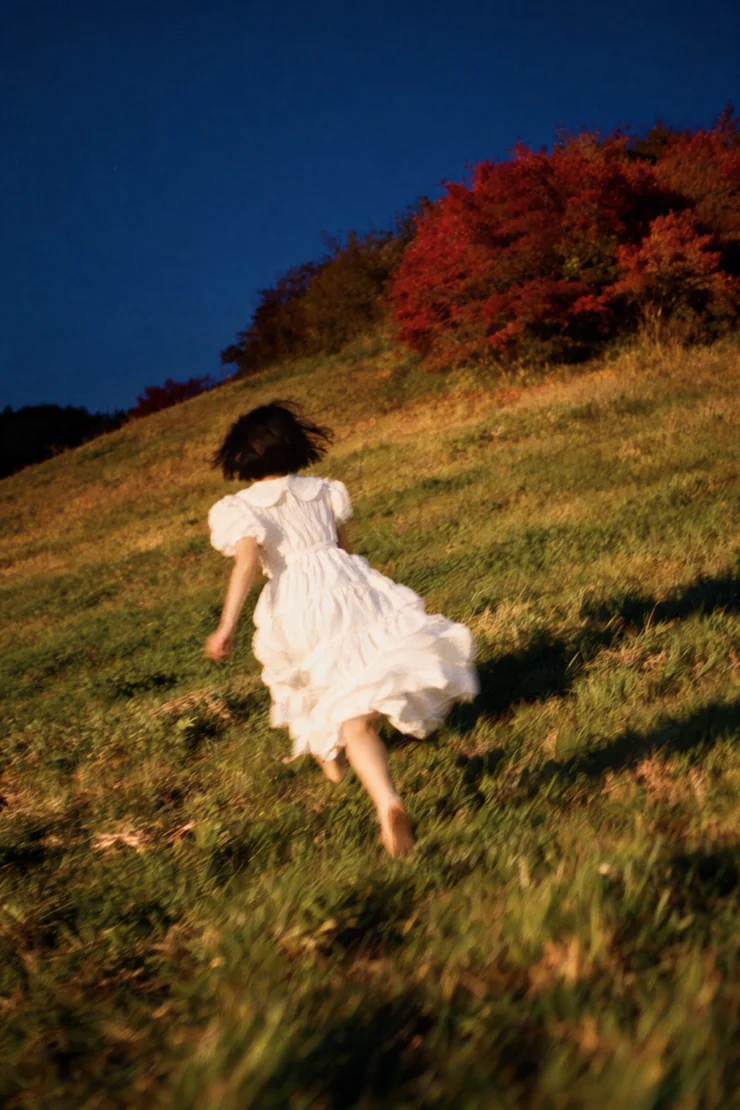


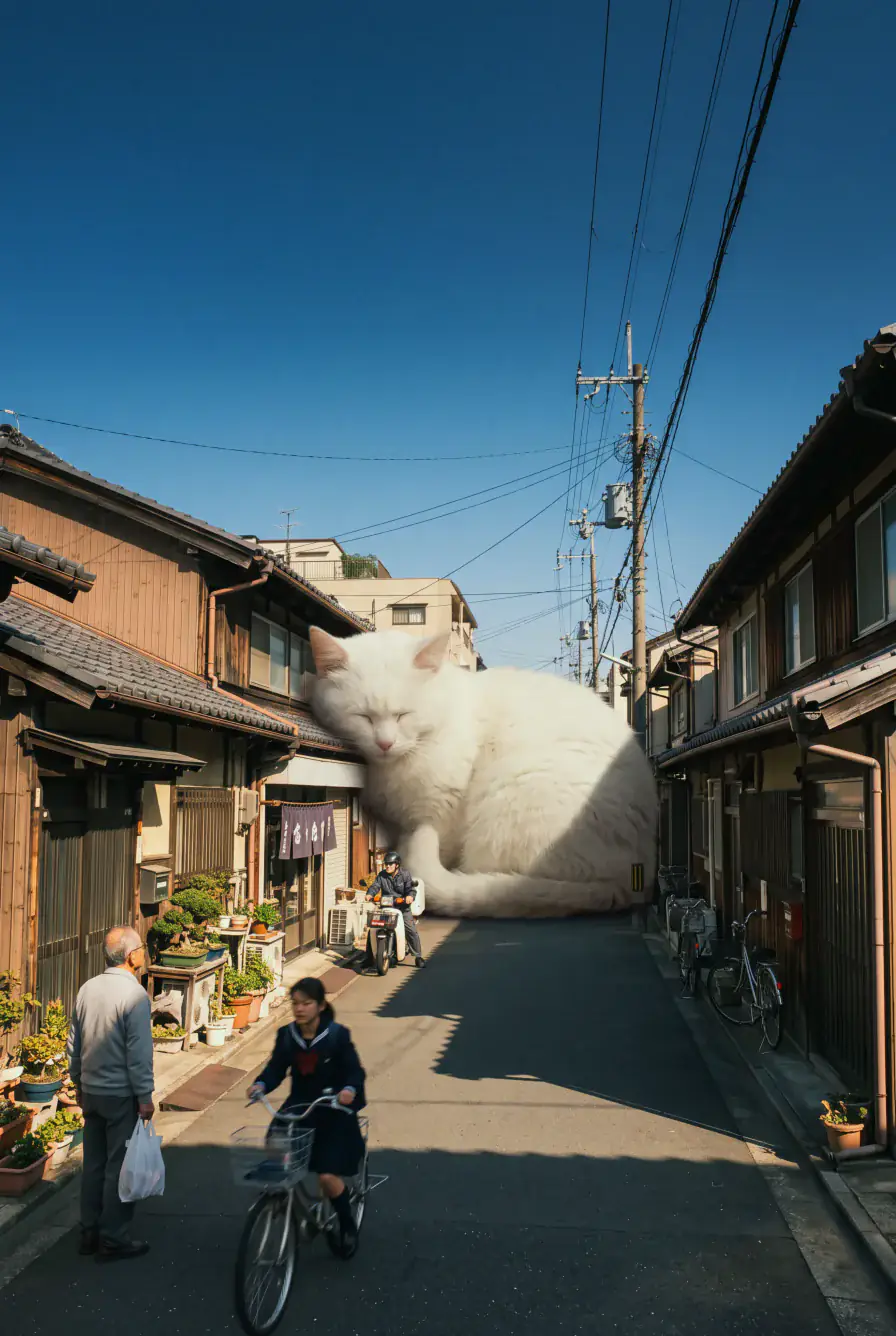

Edit any photo in plain words
Describe an image you want to create or a fix you need to apply, and the Overchat AI image generator and photo editor will do the rest
Learn more about the image generator


Resize an image for any platform without cropping. Get a 9:16 story, a square post and a 16:9 banner from one picture. The missing edges are drawn in to match, so nothing is cut or stretched
Turn pixelated images into HD. Increase resolution while keeping edges clean and textures natural. Rescue old photos, low-res downloads, and AI generations so they hold up in print and on large screens
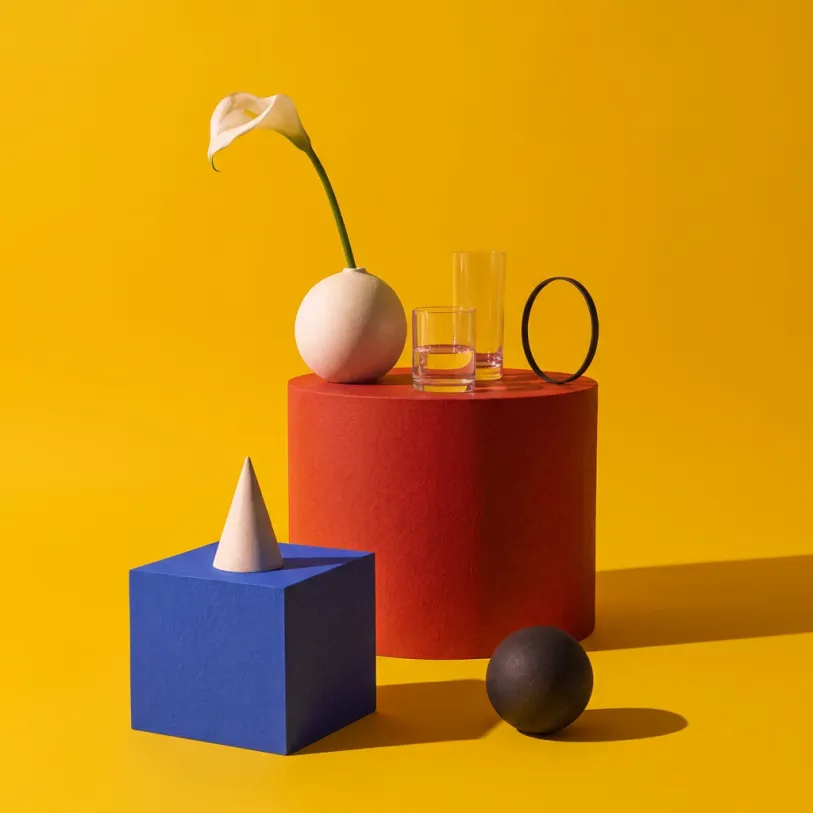
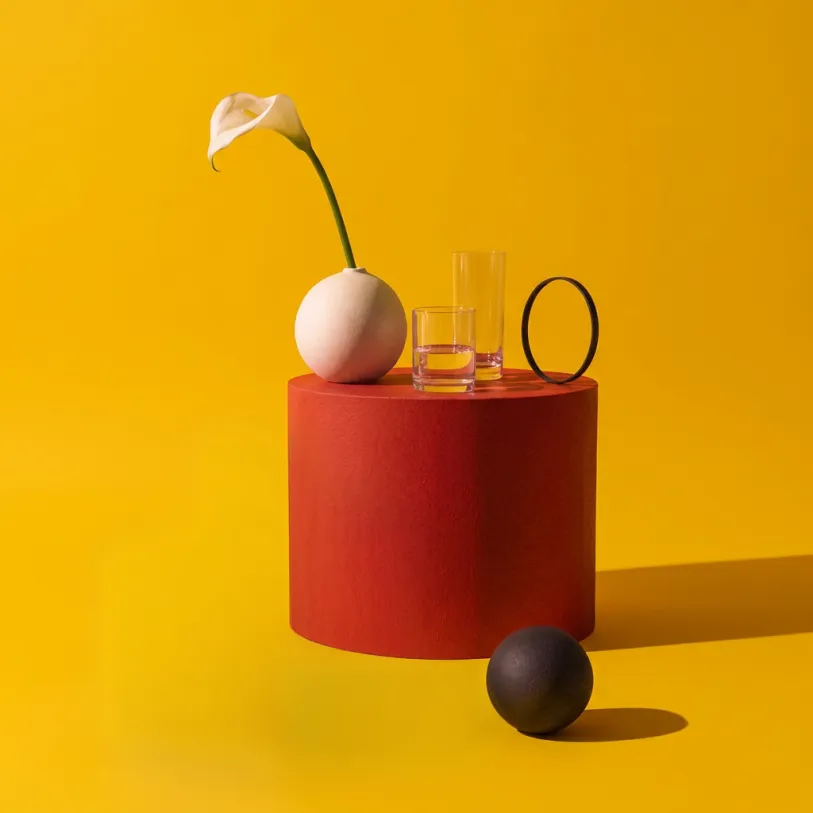


Erase people, junk and photobombs. Name what should go, like “the man on the left” or “the trash can”, and it’s gone. No brush, no mask
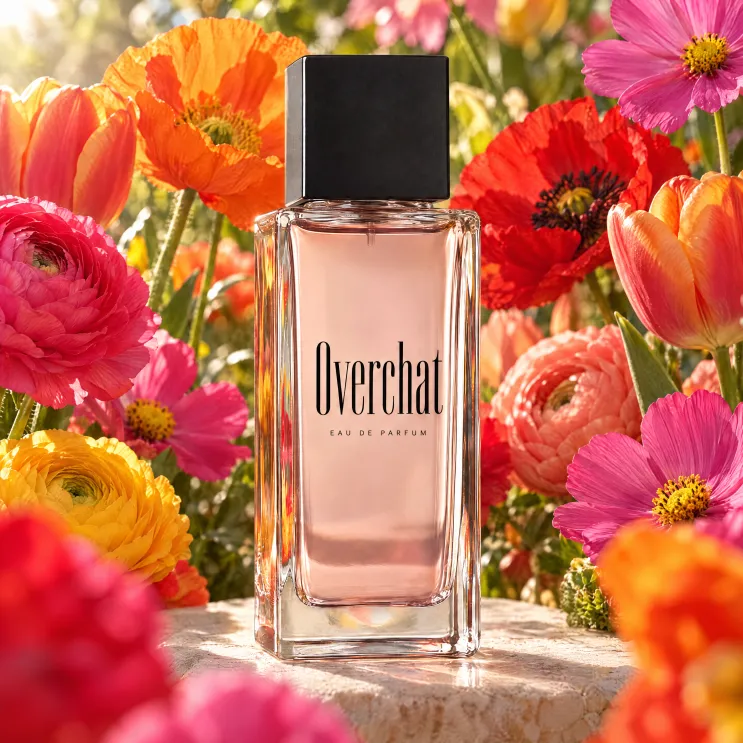
Studio product shots without a studio. Upload one phone photo of your product and place it on marble, in a kitchen or on a beach, with light and shadows that match the scene
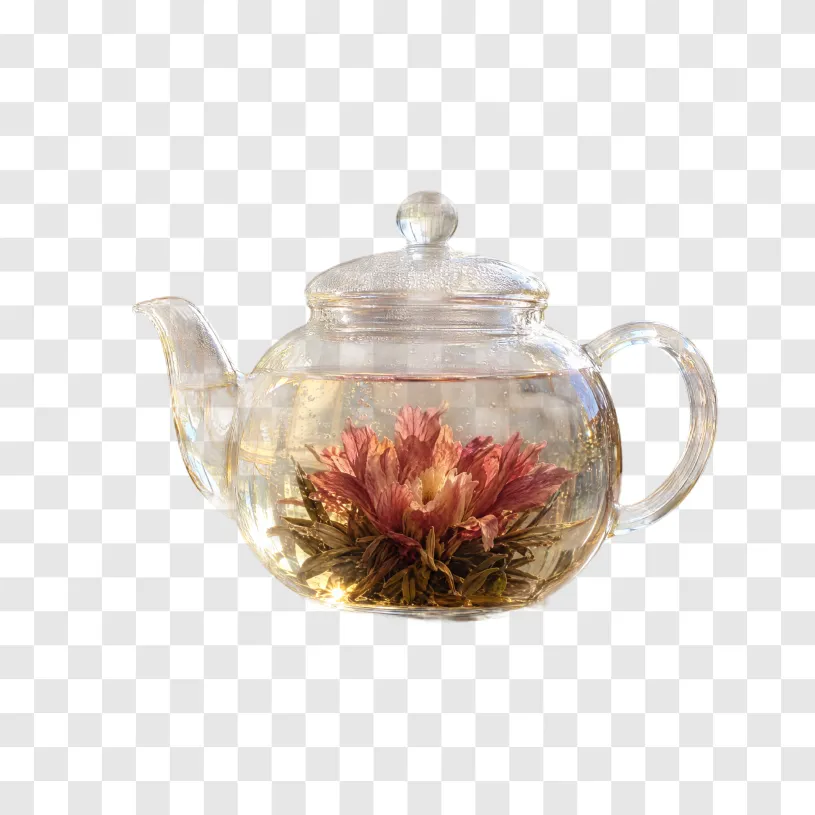
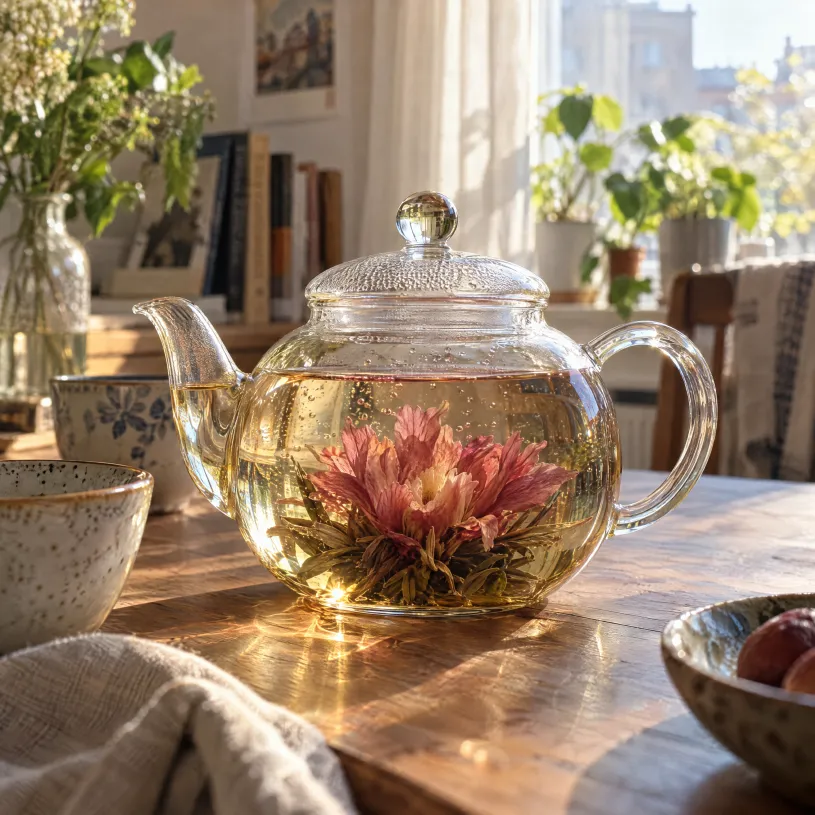
Cut out any subject in seconds. Hair, glass and busy backgrounds included. Download a transparent PNG ready for a store listing or a sticker
Rewrite the words in any photo. Fix a typo on a poster, translate a menu or change a price tag. The new words keep the original font and layout
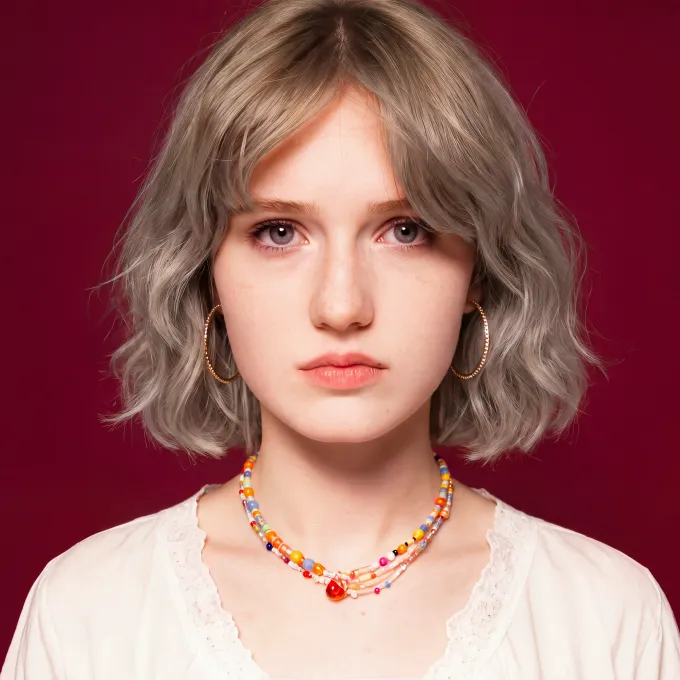

See how a new haircut looks on you. Try a bob, bangs or a new color on your own selfie before you book the salon
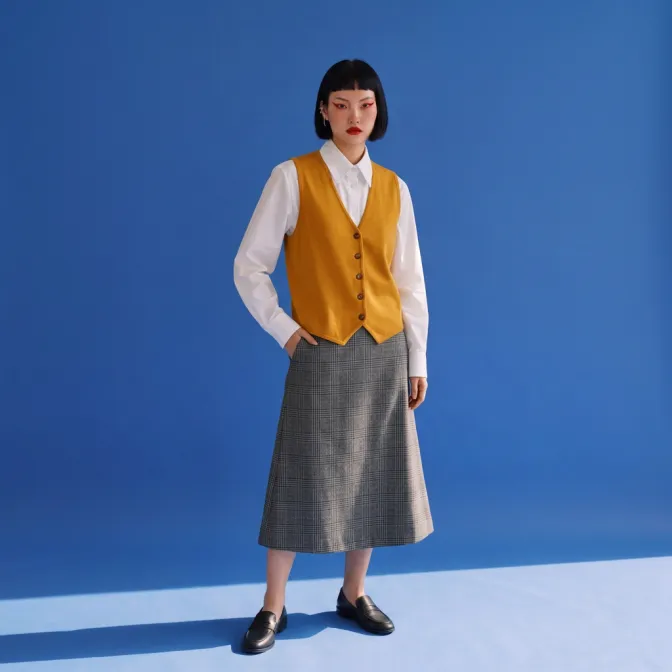
Try on clothes from any photo. Upload a product shot or describe the look. Your pose, face and background stay as they were

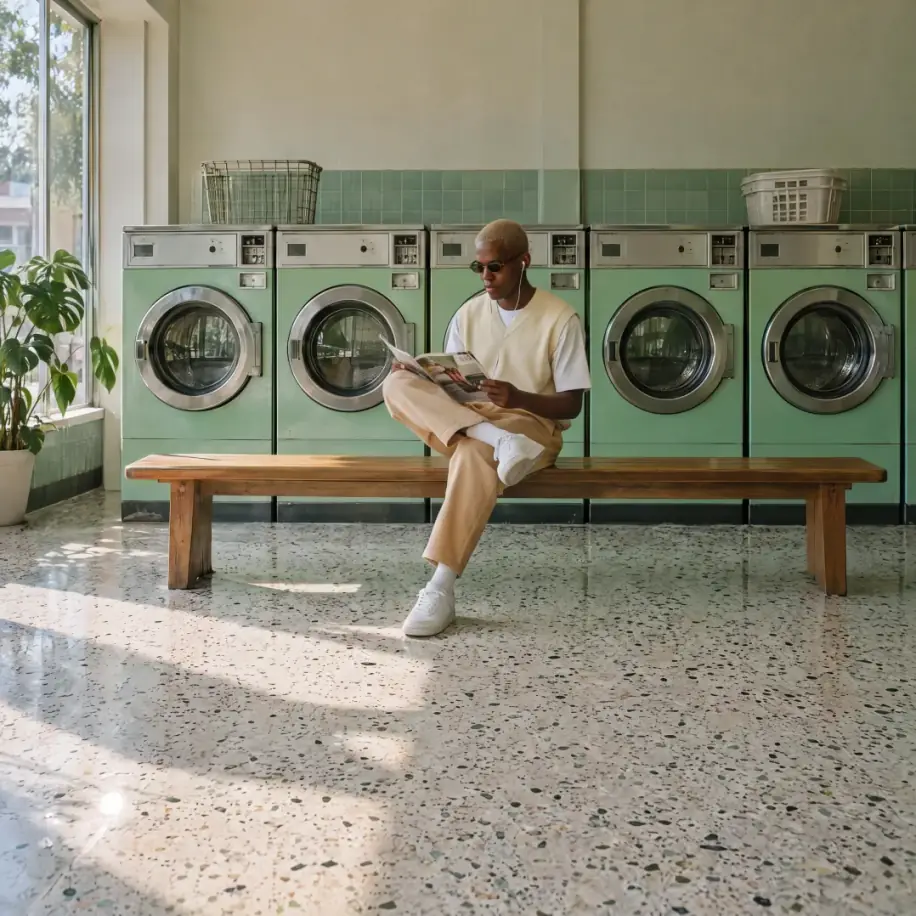
Put anyone into the picture. Add the friend who missed the group photo. Light, scale and shadows are matched, so they look like they were there

Merge two pictures into a single scene. Put your dog on the moon or your product into someone else’s scene. Upload both pictures and say how to put them together


Turn a photo into a video
From product ads to cinematic scenes, the Overchat AI video generator lets you create, edit, or extend videos in minutes
Learn more about the video generator Extend video +5s
Extend the video duration
Make any clip longer. Add seconds to the start or the end. Motion, light and the camera move carry on, so you can’t tell where the new part begins


Selectively edit a video
Change a finished video with one sentence. Ask for a yellow jacket, a new background or one object less. The change holds on every frame
Swap faces in videos
Replace the face of your AI actor. Upload a clip and one photo. Expressions, head turns and lighting follow the original performance from the first frame to the last
Transfer motion
from a video
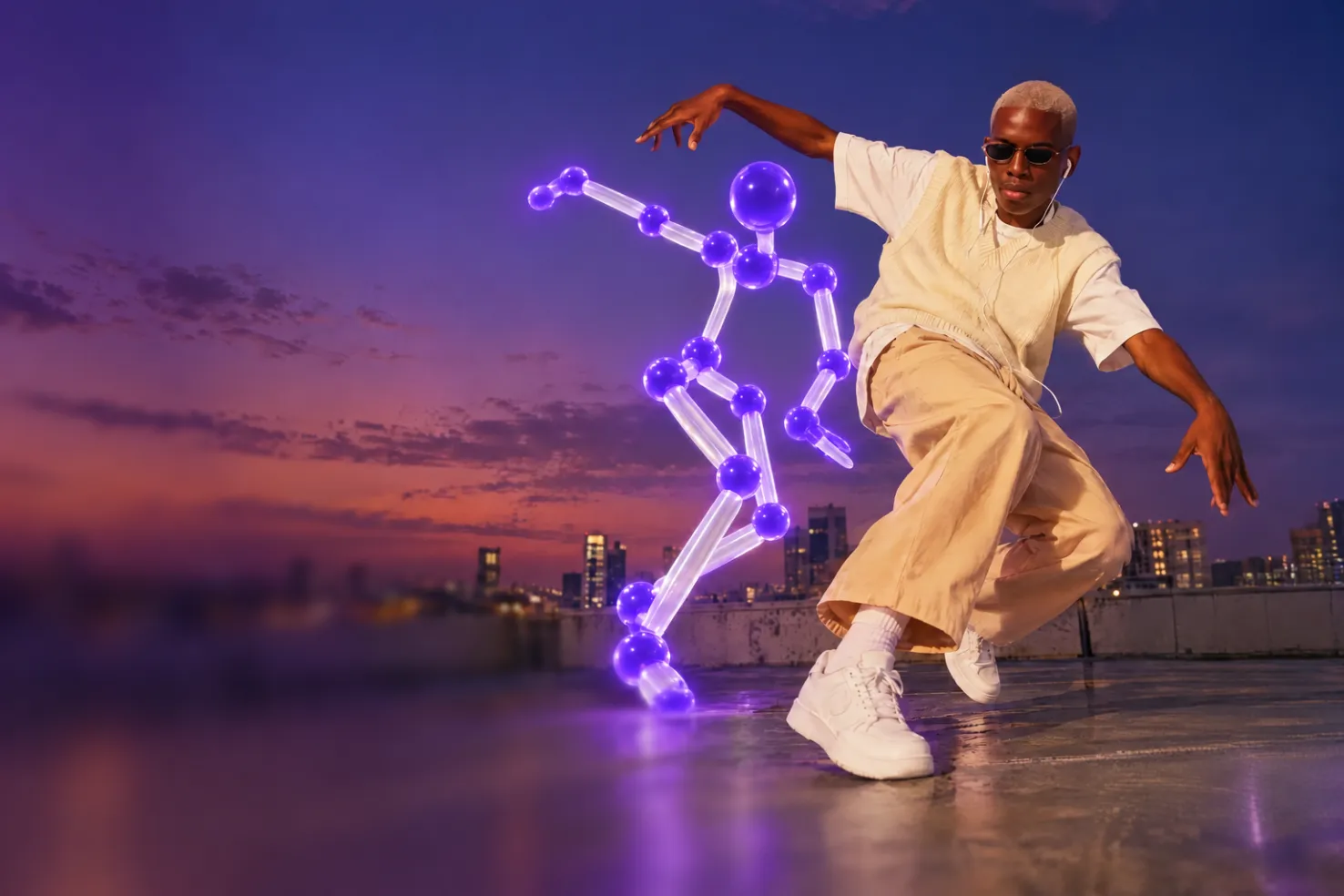
Copy any dance or move onto your photo. Pick a reference clip, add a photo of your subject, and get the same movement performed by them

Ask AI anything
No matter if you need help solving a problem with an AI homework helper or a second opinion on a piece of code, your AI assistant is here for you. Send a photo, a PDF or a link and ask away, with unlimited AI chat on paid plans
Do more with less prompting
Generate trending images or solve common tasks with Overchat AI tools and templates, powered by prompts already written and tested by our team
Frozen Motion
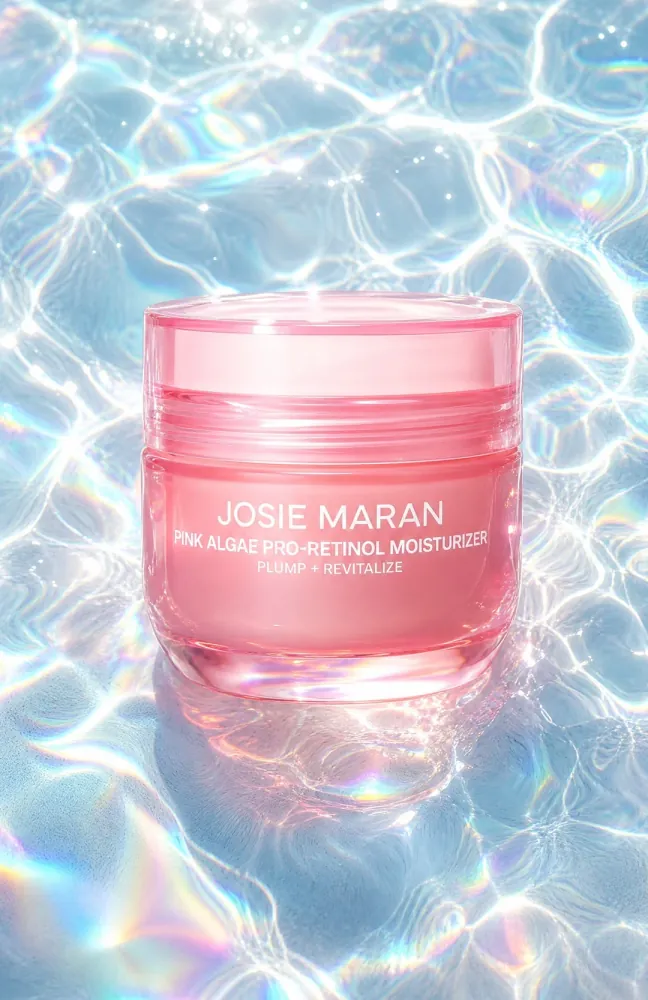
Style Match Social Post
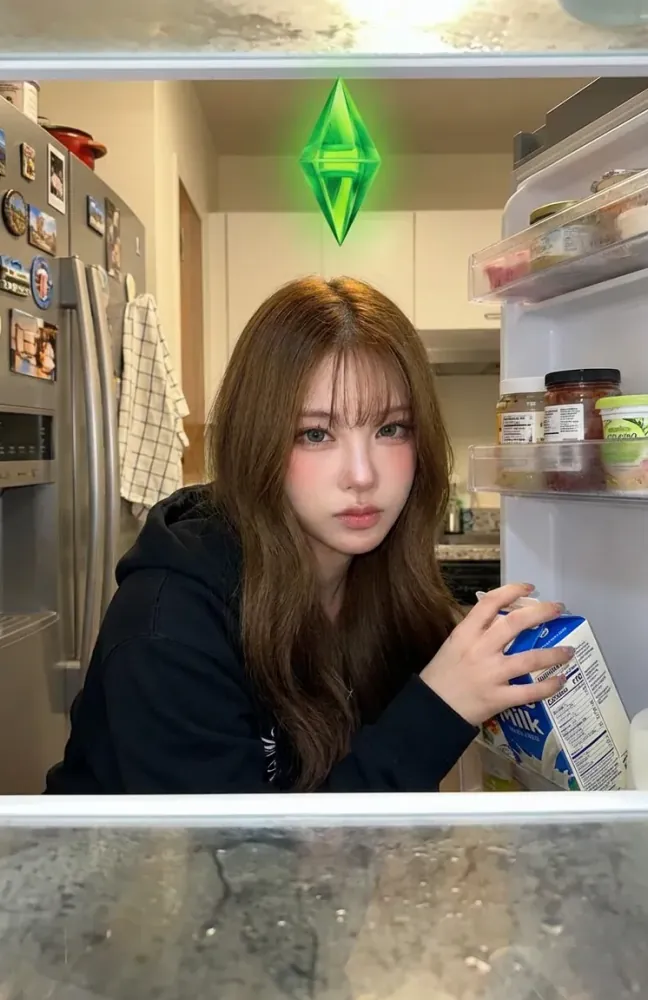
Sims Night Snack
Citrus Burst Reel

Summer Sale Fashion Ad
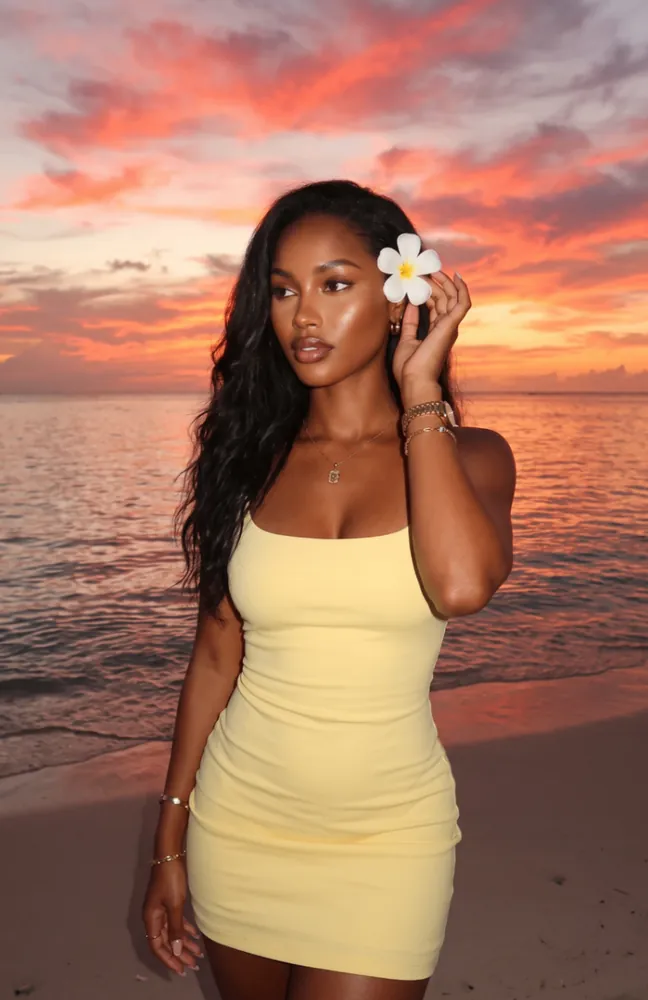
Island Glow

Jeweled Cockatoo
Collage Motion Snack
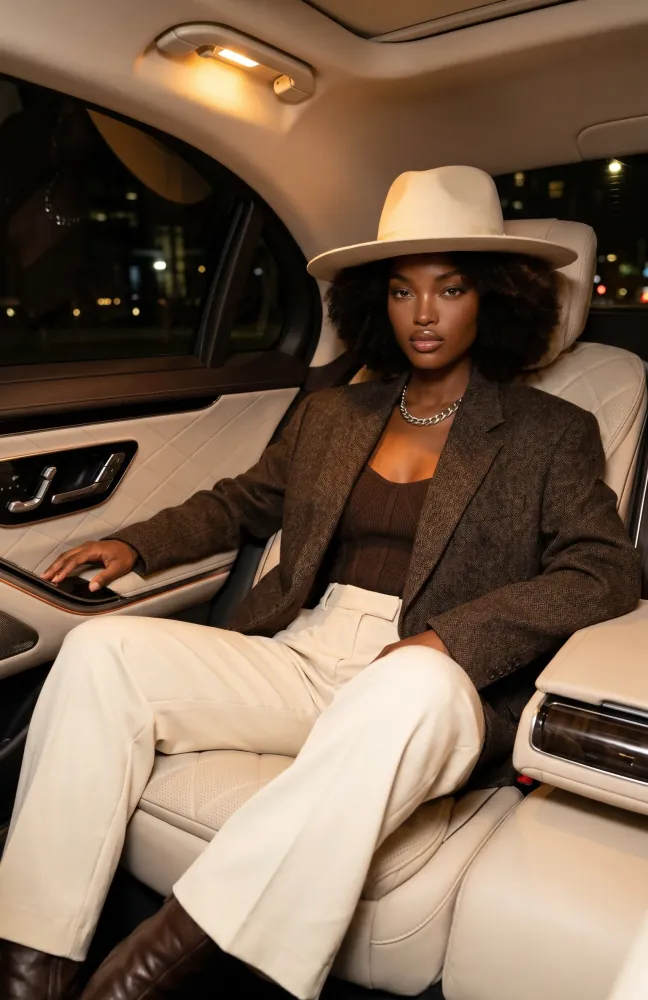
Midnight Ride
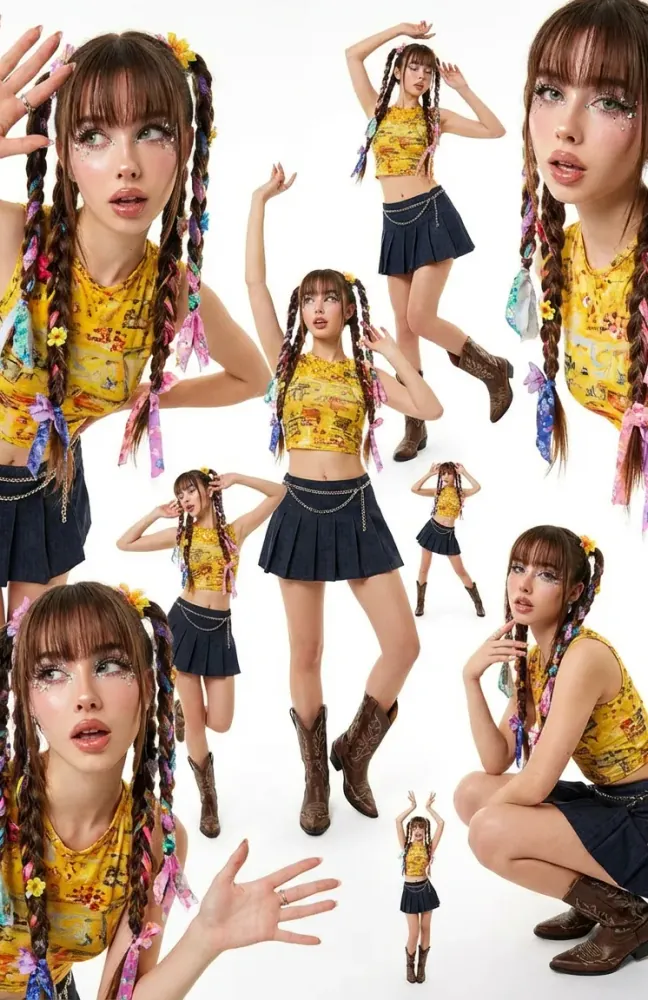
Too Many Me’s
Shattering Effect
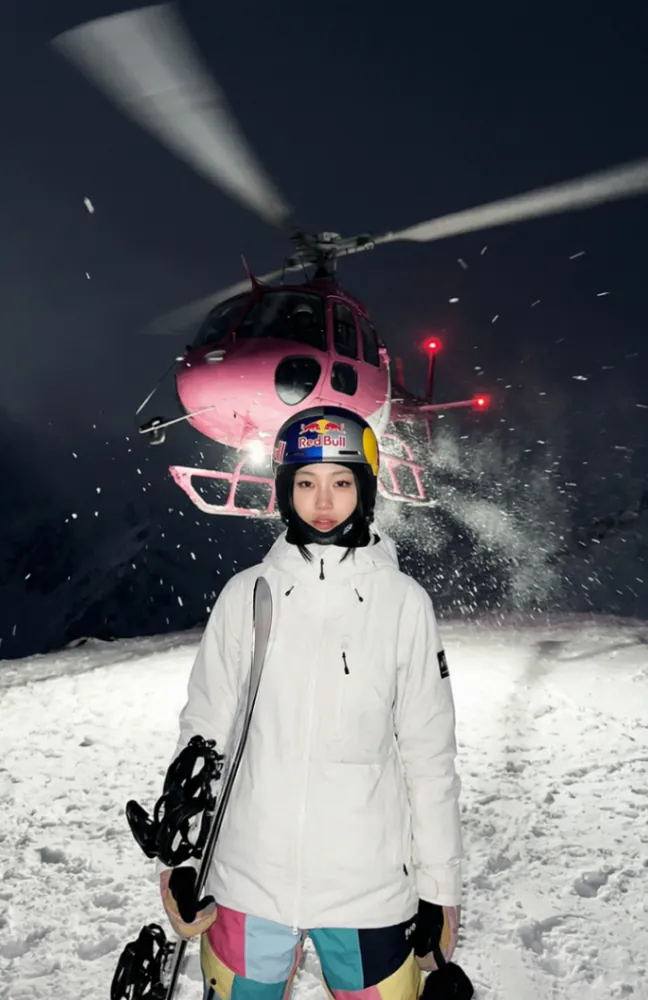
Heli Drop
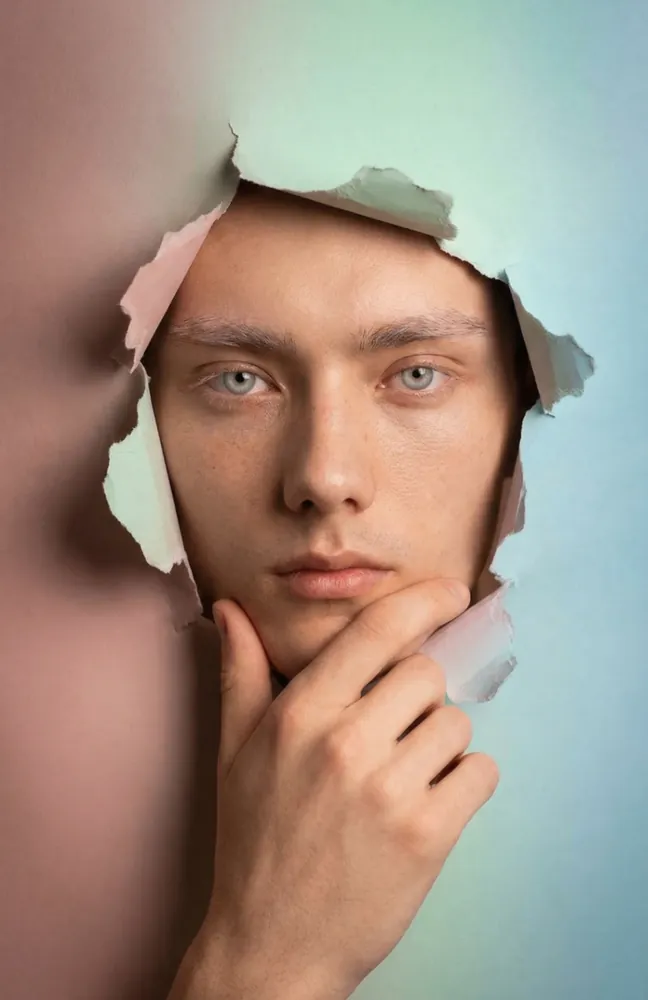
Dream Frame
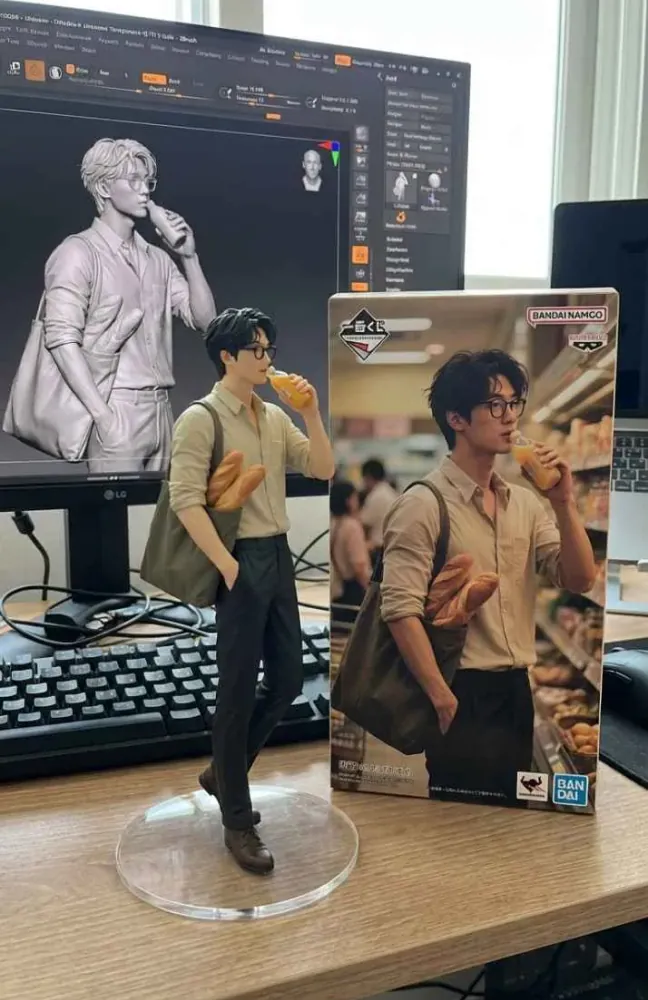
Art Figure
Flat Graphic Soda Reel
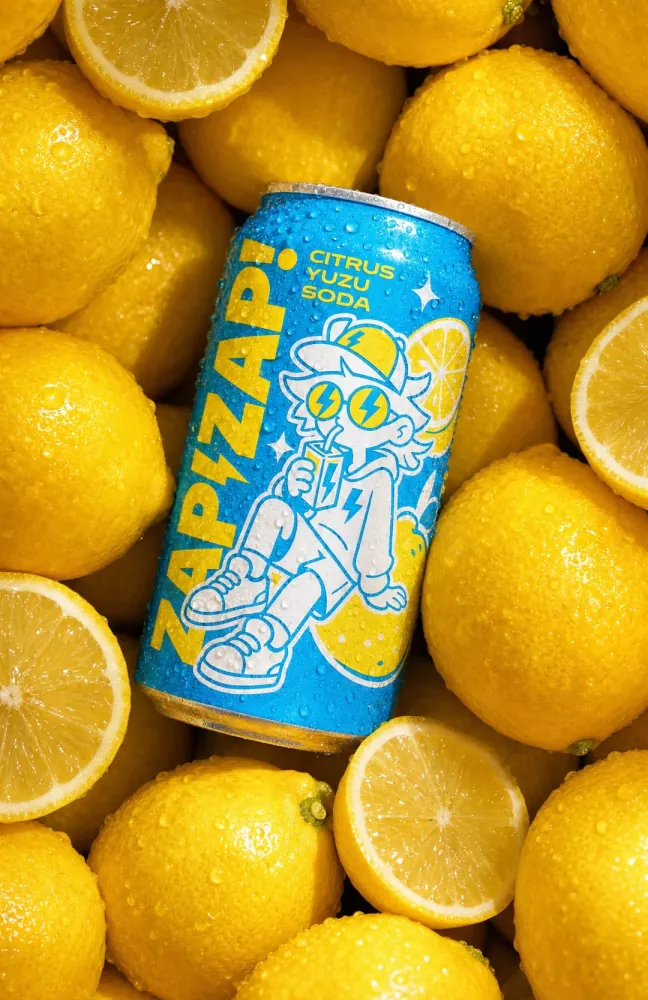
Citrus Soda Flatlay
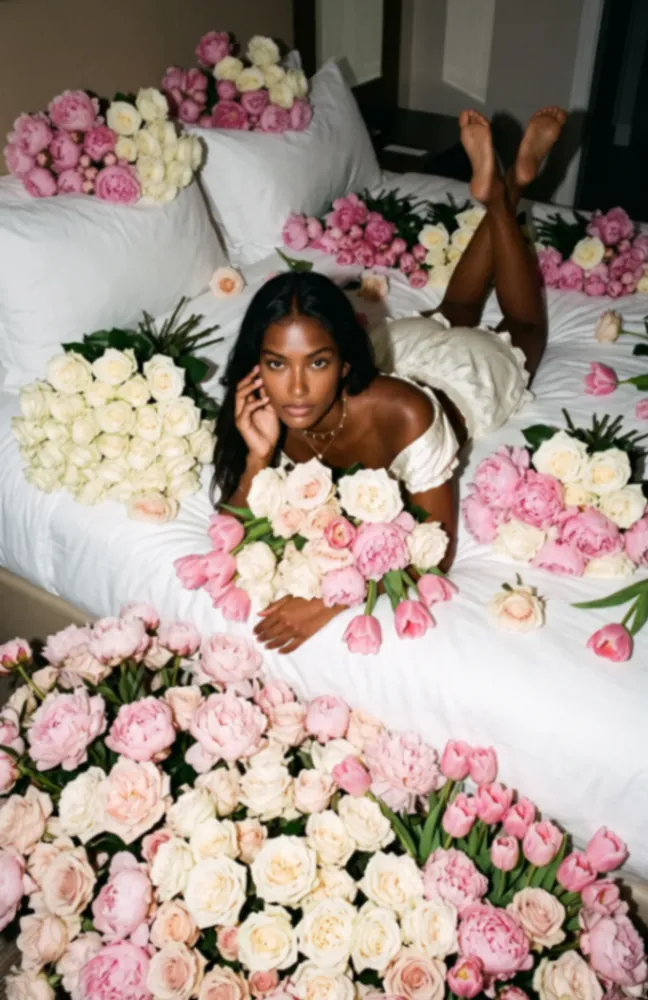
Floral Icon
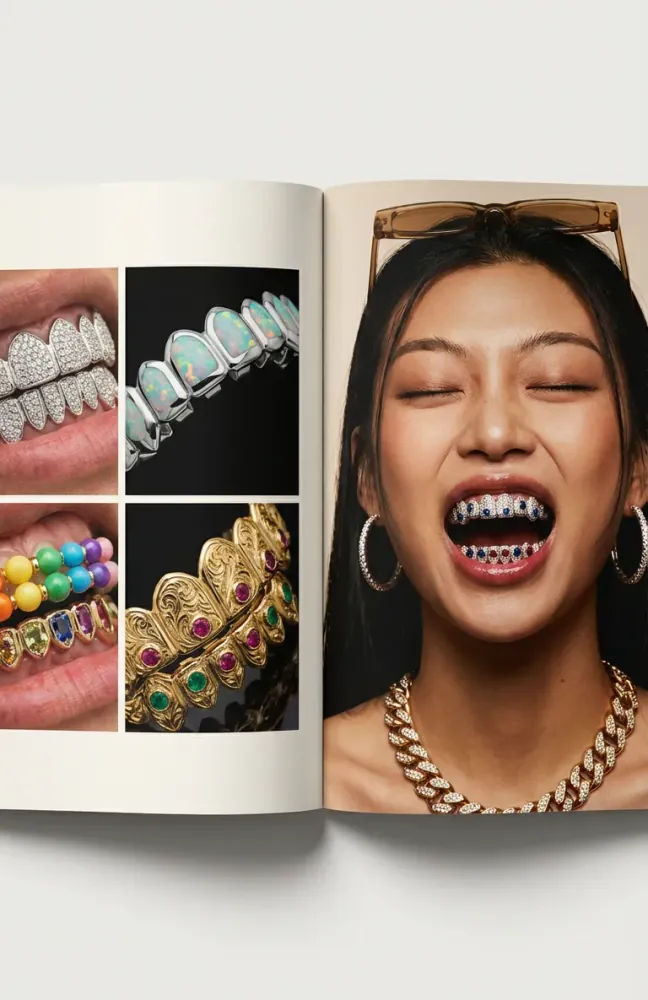
Grillz Glam
Bird’s Eye View Shot
Dark Studio Product Reel


Swap five AI apps for one
One account and one bill for every model you use

Keep everything in one place
Create an image, edit it, turn
it into video, and keep iterating on it — without launching another app or opening
a new tab

Stop overpaying for AI
Skip the growing cost of separate AI subscriptions and still get every model and tool you need

Own what you make
Everything you create is yours to use however you like, commercial use included. We never claim ownership or royalties

Keep your chats private
AES‑256encryption and SSL protect your data. Overchat complies with GDPR and CCPA, and your AI chats stay private
Questions & Answers
If you have any questions,
reach out to us at hello@overchat.ai
Overchat AI is an all-in-one AI super app. One account gives you an AI assistant and 50+ AI models for chat, images and video, plus 150+ tools for writing, studying and work
For chat: GPT-6, Claude Opus 5.5, Gemini 3.8, Grok 4.7, DeepSeek V4 Pro and more. For images: Nano Banana 2, GPT Image 2.5, Seedream 5 Pro and Qwen Image 2. For video: Seedance 2.5, Kling 3, Veo 3.1 and MiniMax H3. See the full list on the AI models page
Yes. Describe what you want or upload a photo: Overchat generates images and videos from text, animates photos, changes backgrounds, upscales images and extends clips
Type your question or request in the chat box and press Enter. The more specific you are, the better the answer. You can attach files, PDFs, images and links to any conversation
You can start for free: the free plan gives you daily credits for chat, images and tools. Paid plans start at $14.99 a month and add more credits, Pro image and video models and Superchat. Compare plans on the pricing page
Online in any browser at overchat.ai and in the mobile app for iOS. Sign in with the same account on any device. Desktop apps for Windows and macOS and a Chrome extension are coming soon
Yes. Your data is protected with encryption and access controls and stored in the European Economic Area, and Overchat complies with GDPR and CCPA. Your chats stay private. To delete your account, write to hello@overchat.ai
Find guides on the AI Hub blog, from our test of 25+ free AI chatbots to Claude vs. ChatGPT. Send questions and feature ideas to hello@overchat.ai


